Creating Facebook and Instagram ads doesn’t have to be complicated anymore. Thanks to AI, you can go from an idea to a finished ad in just a few minutes.
Whether you’re promoting a product, running an online store, or creating ads for clients, AI can help you come up with ideas, generate images, create short videos, and test different versions much faster than doing everything manually.
We’ll show you a simple way to create better ads using AI, along with three tools that are worth checking out: Krea.ai, Canva Magic Studio, and Adobe Firefly.
Top 3 Tools for AI Ad Creation
Here are 3 of the best tools that you can use to help you create great visuals for Facebook and Instagram ads.
1. Krea.ai
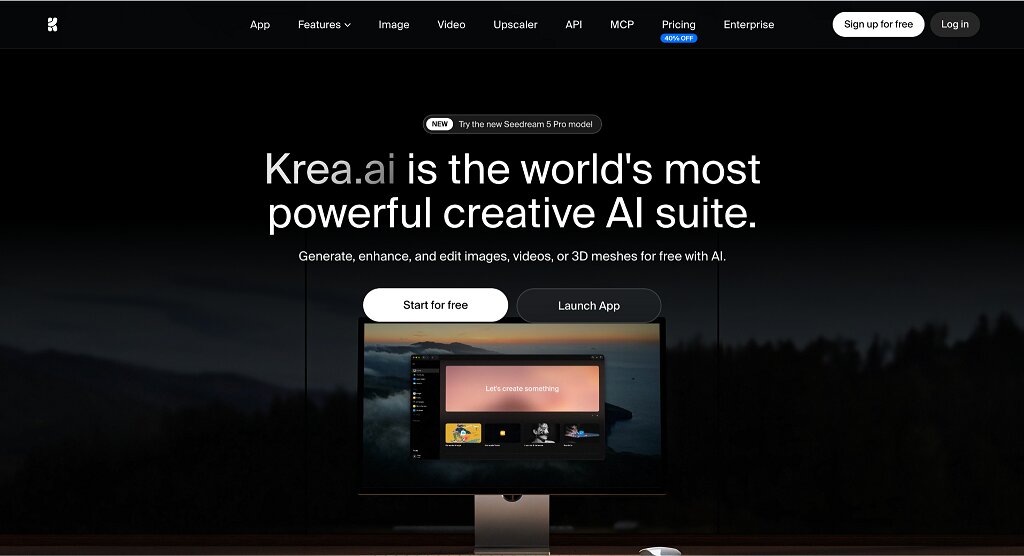
If I had to pick one tool for making Facebook and Instagram ads, Krea.ai would probably be my first choice.
The biggest reason is that it does much more than generate images. You can also create videos, edit images, upscale them, animate existing visuals, and even work with 3D assets—all in one place.
Another thing I like is that Krea gives you access to several of the biggest AI models through a single interface. You can compare results from models like Flux, Ideogram, Runway, Veo, Luma, Gemini, and Krea 2 without jumping between different websites.
It’s also one of the easiest AI tools to use. The interface is clean, generations are fast, and you can upload reference images to keep your ads looking consistent. If you want to test different ideas, Krea can quickly create multiple versions of the same ad.
If you’re creating video ads, Krea also supports text-to-video and image-to-video generation, making it easy to create short promotional videos for social media.
- Images, videos, and editing in one platform
- Access to several leading AI models
- Very beginner-friendly
- Easy to create multiple ad versions
- Free plan available
- Some advanced tools require a paid plan
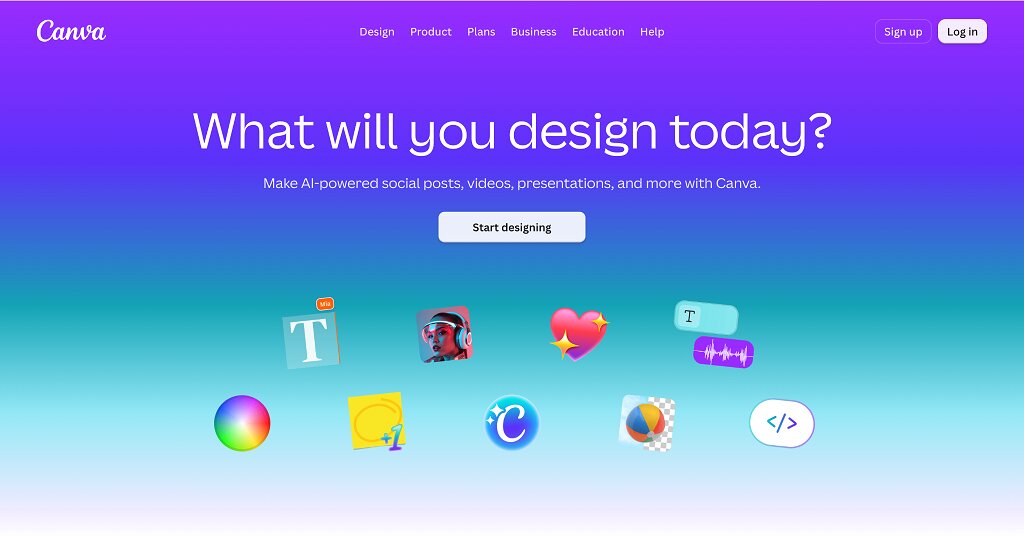
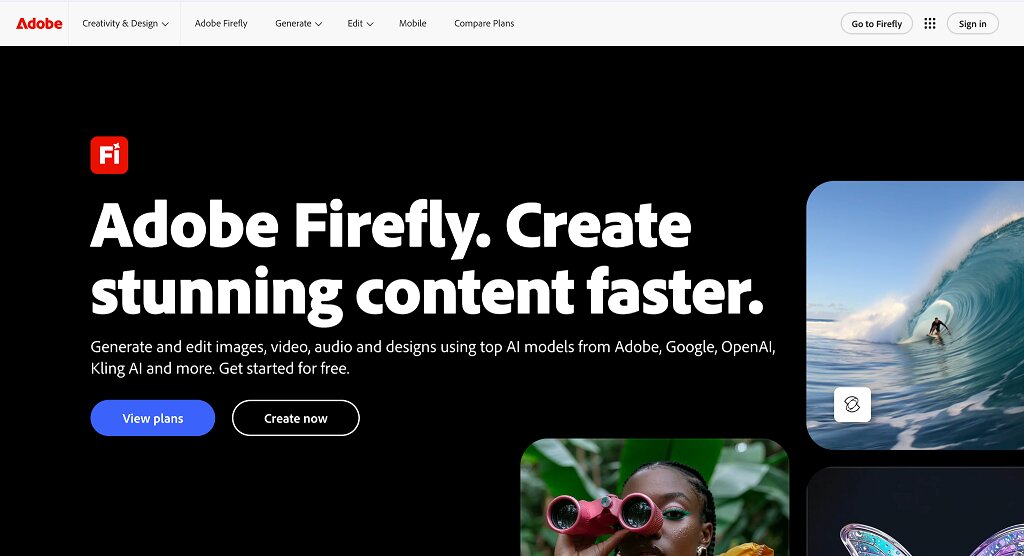
If you already use Canva, this is probably the easiest option. Magic Studio adds AI features to Canva’s familiar editor, so you can generate images, remove backgrounds, expand designs, write copy, and resize your ads for different social media platforms. It might not offer as much creative control as Krea, but it’s fast, simple, and perfect for everyday marketing. If you’re already using Photoshop or other Adobe apps, Firefly is another great option. It’s especially useful for creating polished marketing visuals. You can generate images from text, remove or replace objects, expand backgrounds, and quickly create different versions of the same design. It has a bit more of a learning curve than Canva, but it’s a solid choice for designers who already work with Adobe. Before asking an AI tool to create anything, decide exactly what the advertisement needs to accomplish. A campaign designed to generate immediate purchases should not be planned in the same way as one intended to build awareness, attract website visitors or collect leads. Start by defining three things: That action might be purchasing a product, submitting a form, visiting a website, sending a message or watching a video. Meta uses the campaign objective to identify people who are more likely to complete the chosen action, so the objective should reflect the real business outcome rather than whichever option appears to produce the cheapest clicks. It is also useful to give the AI a clear creative brief. Include the main customer problem, the strongest product benefit, the desired visual style, the placement and the call to action. The more specific the brief is, the less likely the tool is to generate attractive but irrelevant content. Once the campaign direction is clear, AI can speed up the production process. Instead of designing every asset manually, you can use a product photograph, brand colors and a written prompt to produce several visual concepts, backgrounds, layouts or short video variations. Begin with one strong idea rather than asking the tool to “make an ad.” A better prompt explains: For example, an online skincare brand could ask for a vertical Instagram Reel that shows the product in a bright bathroom setting, demonstrates how it is used and ends with a shop-now message. Generate several concepts, but review every result carefully. Check product details, logos, packaging, hands, faces, written text and factual claims. AI-generated material can contain visual mistakes or introduce details that do not exist. The finished asset should also remain consistent with the company’s established branding. Facebook and Instagram ad copy should make the offer easy to understand. It does not need to describe every feature or repeat everything shown in the image. A practical structure is: The wording should match the action selected for the campaign. Use instructions such as “Shop now,” “Request a quote,” “Book an appointment” or “Send us a message” rather than ending with a vague statement. AI writing tools are useful for producing headline variations, shortening long drafts or adapting the same message for different audiences. However, the final copy still requires human review. Remove exaggerated language, unsupported claims and generic phrases that could apply to almost any product. The potential performance impact is measurable. A 2025 study of Meta’s text-generation system involved almost 35,000 advertisers and approximately 640,000 ad variations. The AI model tested in the study increased click-through rates by 6.7% compared with the previous text-generation model. The first advertisement you create should be treated as a starting point, not a finished answer. Performance can change when you adjust the opening scene, product image, headline, offer, format or call to action. AI makes it possible to create these variations quickly, but producing more ads is useful only when the test is structured properly. Compare one major variable at a time whenever you need to understand what caused the difference. For example, you could test: AI can make Facebook and Instagram advertising faster, more flexible and easier to scale. It can help marketers generate creative concepts, produce multiple visual and copy variations, adapt content for different placements and test new ideas without rebuilding every ad manually. While it does not replace strategy or human review, it can reduce repetitive work and give advertisers more opportunities to improve campaign performance. AI can generate draft images, videos, backgrounds, headlines and copy variations in a fraction of the time required to produce each version manually. This is particularly useful for small businesses and marketing teams that need fresh content for several campaigns, products and social placements. Strong advertising often requires multiple concepts rather than one carefully polished design. AI allows advertisers to explore different hooks, settings, formats and messages without rebuilding every asset from the beginning. This creative variety gives the advertising platform more options and helps marketers identify which ideas appeal to different groups of customers. Meta reports that more than four million advertisers use its AI-powered creative tools. A single asset rarely works equally well everywhere. Facebook Feed, Instagram Stories and Reels use different dimensions and viewing behaviours. AI-assisted tools can resize, extend or reformat creative assets so they are better suited to vertical, square and horizontal placements. They can also help turn an existing product photograph into a video, replace a background or create several seasonal versions of the same campaign. Businesses no longer need a large design team to produce every initial concept. A small company can use AI to develop drafts and prototypes before paying for professional photography, editing or design work. This does not eliminate the value of creative professionals. Instead, it allows them to spend less time on repetitive production tasks and more time on strategy, storytelling, quality control and brand consistency. AI has made creating Facebook and Instagram ads much quicker than it used to be. Instead of spending hours designing everything yourself, you can generate ideas, create visuals, and test different versions in just a few minutes. If you’re looking for one tool that can handle almost everything, Krea.ai is probably the best place to start. It combines image generation, video creation, editing, and access to multiple AI models in one simple workspace. Canva Magic Studio is a great option if you want something easy to learn, while Adobe Firefly is ideal for designers who already work with Adobe products. No matter which tool you choose, there is no doubt that AI makes it much easier to create professional-looking ads without needing any advanced design skills.2. Canva Magic Studio
3. Adobe Firefly
Know What You’re Promoting
Create Your Ad

Write Simple Ad Copy

Test Different Versions
What are the Benefits of Using AI for Facebook and Instagram Ads?

Faster Creative Production
More Creative Variations
Easier Adaptation for Different Placements
Lower Production Barriers
Summary