
Meeting preparation matters because it helps you arrive informed, lead a smoother conversation, and increase the odds of a strong outcome.
Relationship-building, clear decisions, and concrete next steps become easier when the work happens before the call or room time.
Topics covered include pre-meeting planning for purpose, agenda, attendees, materials, and logistics.
Day-of readiness includes technology checks, room setup, and a confident opening.
Professional follow-up focuses on recap, action tracking, and accountability.
Buckle up, and let’s go through all of these.
1. Clarify the “Why” and the Desired Outcome
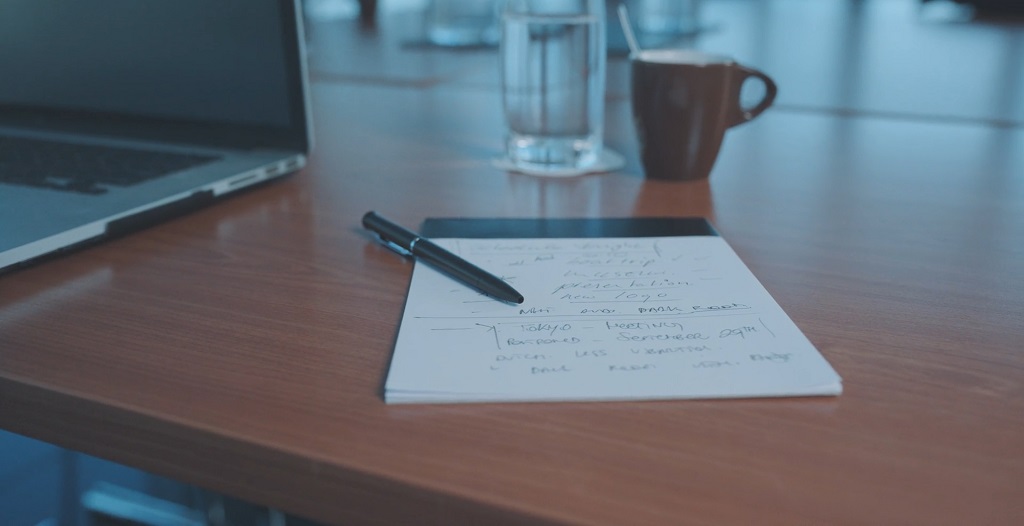
Start by naming the purpose in plain language so everyone can align fast.
Ask, “Why are we meeting?” then write a one-sentence purpose statement that any attendee could repeat without edits.
Use a purpose statement that keeps scope tight and sets expectations. Examples that work well include:
- Confirm scope and success criteria for the next phase of work.
- Resolve open decisions that block delivery next week.
- Align on priorities and owners for the next two weeks.
Define the primary goal and a tangible outcome before agenda drafting starts.
Ask, “What will be different after this meeting?” Then think about an outcome that can be verified, not a vague intention.
Pick an outcome type that fits the meeting and can be checked later, such as:
- A decision made and documented in writing.
- A scope agreed with clear boundaries.
- Next steps assigned to owners and due dates.
Keep the goal narrow enough to guide choices in real time. When side topics appear, use the goal as a filter to decide what stays in the meeting and what moves to follow-up.
2. Research and Align with Stakeholders
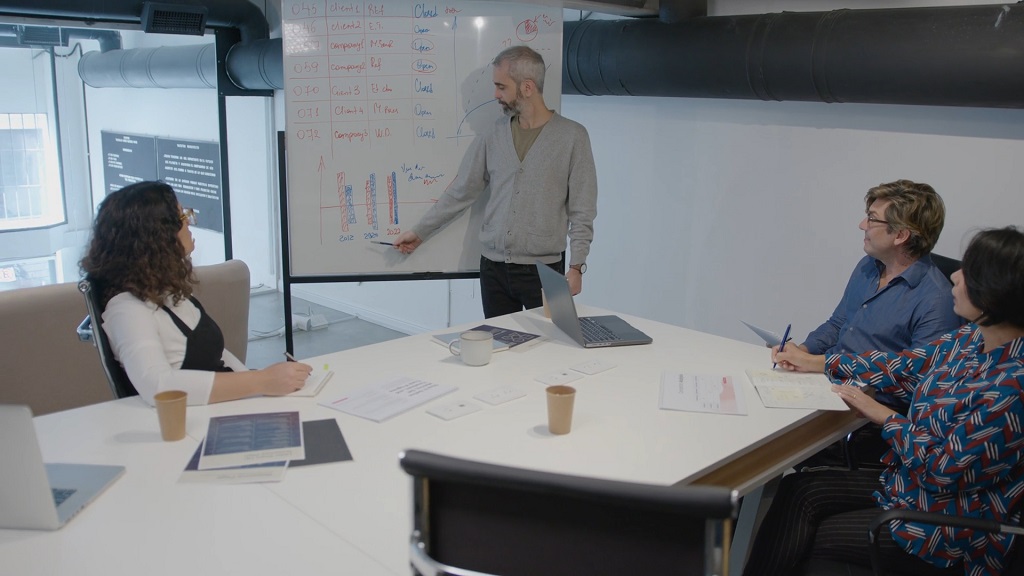
Research the client and attendees ahead of time to avoid generic talking points. Look up roles, current priorities, prior work, and likely pain points so the discussion fits the room.
Gather stakeholder context that directly changes how you speak and what you propose, including:
- Role and decision authority.
- Current initiatives and deadlines.
- Known constraints such as budget, time, or dependencies.
If you collect stakeholder input via voice notes or recorded calls, transcribe it with audio to speech to pull out priorities, constraints, and decision points.
Come up with examples and talking points for the audience so the meeting feels relevant.
Match language and depth to each person’s role and prior work, then prepare at least one example per priority topic that connects to their needs.
Use targeted prompts to shape discussion, such as asking leaders about outcomes and asking operators about risks and sequencing.
Clarify your role before the meeting starts so responsibilities stay clear. Decide if you will lead, present, facilitate, or support, then prepare materials and transitions that fit that role.
Define visible actions tied to your role so execution stays smooth, such as:
- Leading – open, timebox, and confirm decisions.
- Presenting – deliver key points, then move into discussion questions.
- Facilitating – keep the conversation aligned with the goal and draw out quieter voices.
- Supporting – track notes, capture actions, and share artifacts after.
Identify decision-makers and influencers early so approvals do not stall later. Note who approves what and what buy-in looks like, including internal alignment or external sign-off.
Map each decision to the people required to move it forward, then plan how to get agreement during the meeting rather than after.
3. Build and Share a Strong Agenda
Create an agenda that matches the goal and keeps timing realistic. List topics in a logical sequence, add time boxes, and keep the total length aligned to what can be decided in one sitting.
Use a structure that makes outcomes easier to reach, for example:
- Context and objective recap.
- Key topics in decision order.
- Decision confirmation and action review.
Assign owners to agenda items when helpful so transitions feel smooth and accountability stays clear.
Specify who leads each section, then add handoff language so speakers know exactly when to jump in.
Set expectations in advance so preparation happens before the meeting, not during it. Share the agenda early and state what “good” looks like by the end, including what must be decided or produced.
Call out required versus optional materials so people can prioritize quickly. Label each pre-read clearly and keep the list short.
Add extra clarity for first-time or cross-team meetings so no one guesses about structure or responsibilities.
Include purpose, expectations, structure and length, and responsibilities in the invite body.
Gather questions and topics in advance so presenters can prepare stronger answers. Invite input early, then group submissions into themes so discussion time stays focused.
Set a cut-off for pre-meeting questions so speakers can prepare, then roll remaining items into a parking list for follow-up.
4. Prepare Materials That Support the Conversation (Not Replace It)

Prepare materials that match audience needs so the deck supports discussion rather than reading time. Personalize examples and details so attendees can see how points apply to their context.
Use materials to prompt decisions and feedback, not to narrate every detail. Keep slides lean and use speaker notes or a separate document for depth.
Design simple, readable slides that can be scanned fast. Keep one idea per slide and write in short phrases that support what you say aloud.
Slide choices that improve clarity include:
- Short headers that state the point.
- One chart or one visual per slide, only when it advances a decision.
- Minimal text that anchors discussion questions.
Use structured brevity so attention stays on the conversation. Apply a rule of three where it fits and cut slides that do not move decisions or next steps.
Distribute supporting materials early so time in the meeting goes to alignment. Attach or link materials in the invite and restate what must be reviewed versus nice-to-have.
Add a short note that tells attendees how to use the materials, such as reading only the first two pages or focusing on one section tied to a decision.
5. Lockdown Logistics and Participation
Send a complete meeting invite so no one hunts for details. Include goals, agenda, location or video link, and pre-reads in one place.
Make invite details skimmable so attendees can prepare quickly. Include:
- Meeting goal and desired outcome.
- Agenda with time boxes and owners.
- Location or video link and dial-in details.
- Pre-reads labeled as must-read or nice-to-have.
Plan engagement intentionally so participants contribute rather than observe. Add interaction points like polls, Q and A moments, or prioritization questions to keep attention active.
Use interaction points at different moments, such as early alignment, mid-meeting prioritization, and end-of-meeting confirmation.
Decide if input should be collected before the meeting so the meeting time stays focused on decisions and alignment. Crowdsource questions and ideas in advance so presenters can prepare better answers.
Collect input using a single channel and a simple prompt so responses stay usable, then summarize themes at the start of the meeting to show the input was heard.
6. Rehearse and Do a “Tech + Room” Readiness Check

Practice the presentation and transitions so pacing feels steady and handoffs do not feel abrupt. Rehearse the opening, key transitions, and the close, then tighten anything that runs long.
Rehearsal should confirm timing and clarity, including:
- Opening statement that restates goal and agenda.
- Transition lines between sections and speakers.
- Closing recap that confirms decisions and actions.
Test technology end-to-end so problems do not steal meeting time. Check audio, video, screen share, conferencing links, and any interactive tools.
Run the same setup you will use live, then test the exact flow:
- Join the call using the link in the invite.
- Share screen and switch windows as planned.
- Confirm audio input and output devices.
- Open polls or Q and A tools as a participant would.
Prepare the environment for in-person or virtual settings so everyone can participate fully. Confirm seating and room setup support inclusion, audibility, and visibility.
Arrive early to troubleshoot so the meeting begins on time. Start setup before attendees arrive and keep a backup plan ready, such as an alternate link or a dial-in option.
7. Run a Professional Opening (Set the Tone Fast)
Welcome attendees and call out remote participants directly so inclusion is immediate. Greet people by name when practical and confirm everyone can hear and see.
Give brief context, restate the goal, and walk through the agenda so expectations match. Confirm timing and any decision points so participants know what needs to happen.
Use a quick check-in or icebreaker when it fits the group, so participation starts early.
Keep it short and tied to the meeting outcome, such as asking each attendee what success looks like at the end of the hour.
Set meeting norms early so discussion stays productive.
Options include asking for questions to be held until a Q and A moment, or asking speakers to keep comments to a timebox.
8. Follow Up Professionally (Within 24 Hours When Possible)

Send a clear recap message within 24 hours when possible so momentum stays high. Thank attendees, keep the recap skimmable, and make next steps easy to act on.
Organize the recap around decisions and actions so accountability is clear. Include:
- Key decisions made.
- Discussion highlights that explain the rationale.
- Open items that need later resolution.
Convert discussion into tracked actions so nothing gets lost. List action items with an owner, due date, and success criteria so follow-through can be verified.
Call out dependencies and decision deadlines so sequencing stays visible. Make blockers explicit and note dates that affect delivery.
Share artifacts in the same message so people have one source of truth. Include slides, notes, documents, and any promised resources so attendees can reference decisions without searching.
Capture feedback and improve when a meeting format repeats or stakes are high. Use a short feedback survey when useful and note what should change next time.
Create reusable templates for consistency so future meetings are easier to run. Keep a standard agenda format and a standard recap format so meetings stay predictable and accountability stays built in.
Summary
Strong business meetings are built before anyone joins the call.
Purpose definition, stakeholder research, a clear agenda, prepared materials, and reliable logistics create focus and momentum.
Professional follow-up builds trust and keeps work moving.
Decisions documented, actions assigned, and loops closed with clarity and accountability help teams deliver results and improve each meeting over time.