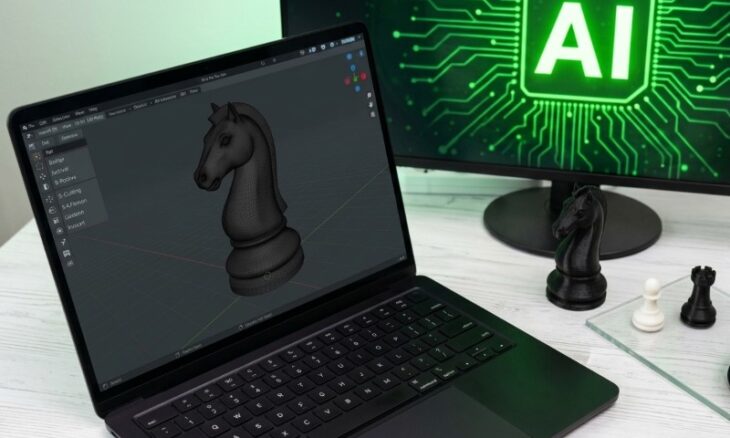
Forget about the time-consuming manual work in 3D modeling, which would take weeks or months to create a perfect model ready for 3D printing.
Modern AI model generators are there to simplify this process by automatically generating print-ready models and structures.
And while there is a large selection of such generators, some of them are worth discussing below for their advanced features, asset quality, and speed.
Here is an overview table of the top 3 AI 3D model generators for a quick comparison before we have a deeper look at their features and 3D printing capabilities.
| Tools | Trustpilot Rating | Features | Best for | Pricing |
| Meshy AI | 4.8/ 5 ⭐ | ● 3D Agent ● Image to 3D ● Text to 3D ● AI Texturing ● AI Image generator ● Animation |
Artists, game developers, XR lovers, 3D printing businesses, and printing hobbyists
|
● For individuals, the pricing starts at $20/ month, billed monthly
● For teams, the pricing starts at $60 /seat/ month |
| Tripo AI | 4.7/ 5⭐ | ● AI Texturing
● Model Stylization ● Image Gen: GPT-4o ● Smart Mesh ● High Detail Model |
3D printing businesses, game designers, and developers | The monthly pricing starts at $19,9 /month (Pro plan, 3000 credits).
|
| Hitem3D | 3.8/ 5 ⭐ | ● Image to 3D
● Multi-view to 3D ● Stylized texture ● Relief ● Segmentation |
Game designers and 3D printing businesses
|
The pricing starts at $19,90/ month (billed monthly). |
1. Meshy AI
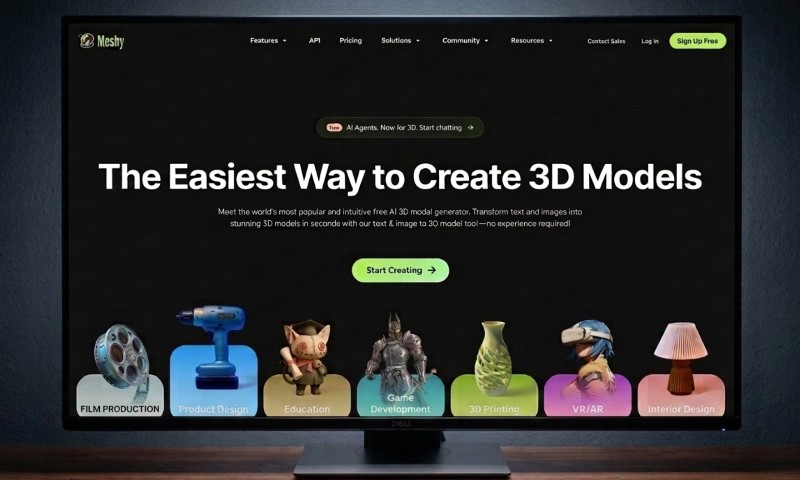
Meshy AI is the world’s leading AI 3D model generator. It helps everyone, from artists, game designers, XR lovers, and 3D printing hobbyists, create high-quality 3D assets in no time, simply by inserting a text prompt or uploading images.
Meshy AI Key Features
- 3D Agent
- Image to 3D
- Text to 3D
- AI Texturing
- AI Image generator
- Animation
For 3D printing
Meshy AI is one of the most complete and comprehensive 3D printing tools available. It supports the entire process, from generating a model to sending it directly to the 3D printer. The web interface is super intuitive, which makes the model creation and printing process easier even for beginners.
Meshy produces strong asset quality for the model types that most 3D printing users actually work with. This includes characters, figurines, animals, toys, and single-subject objects. The geometry is clean, and the meshes are well-structured, making them compatible with slicers.
It also supports 3MF export (also STL and OBJ), a modern print format that keeps color and texture data intact, which is useful for multi-color printing. These formats are fully compatible with major printing software. You can also resize and refine your model assets before downloading.
Meshy AI Pricing
Meshy AI offers two pricing plans for individuals and teams, varying on the features each plan includes.
- For individuals, the pricing starts at $20/ month, billed monthly
- For teams, the pricing starts at $60 /seat/ month
Trustpilot Rating: 4.8/ 5 ⭐
Best for artists, game developers, XR lovers, 3D printing businesses, and printing hobbyists.
2. Tripo AI
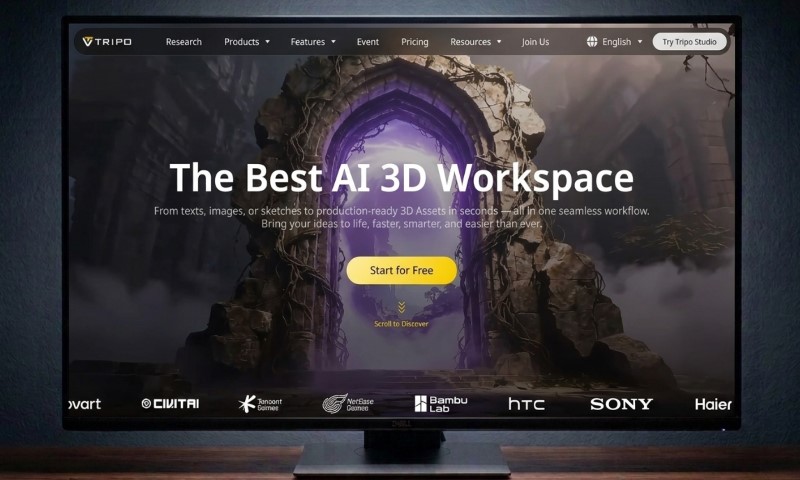
Last but not least, Tripo AI is an AI 3D model generator that helps users generate 3D models from texts or images, with sharp geometry and solid topology.
Tripo AI Key Features
- AI Texturing
- Model Stylization
- Image Gen: GPT-4o
- Smart Mesh
- High Detail Model
For 3D Printing
Tripo AI is one of the fastest tools for 3D printing. In just a few seconds, it generates figurines, functional prototypes, watertight, high-fidelity meshes directly from images or text prompts, ready for printing.
Even if you are a beginner with no 3D modeling background, Tripo AI is easy to use. After logging into Tripo Studio, you simply enter your model text description or upload image references and have your print-ready model generated automatically with basic print compatibility.
The models are clean, with a well-organized structure. It also has a built-in fixing tool that automatically catches and repairs common model problems (like holes) before downloading the file.
Tripo supports exporting the ready files in common formats suitable for 3D printing, such as STL, OBJ, 3MF.
Tripo AI Pricing
A free plan with 200 monthly credits is available. For more, the monthly pricing starts at $19,9 /month (Pro plan, 3000 credits).
Best for 3D printing businesses, game designers, and developers
Trustpilot Rating: 4.7/ 5⭐
3. Hitem3D
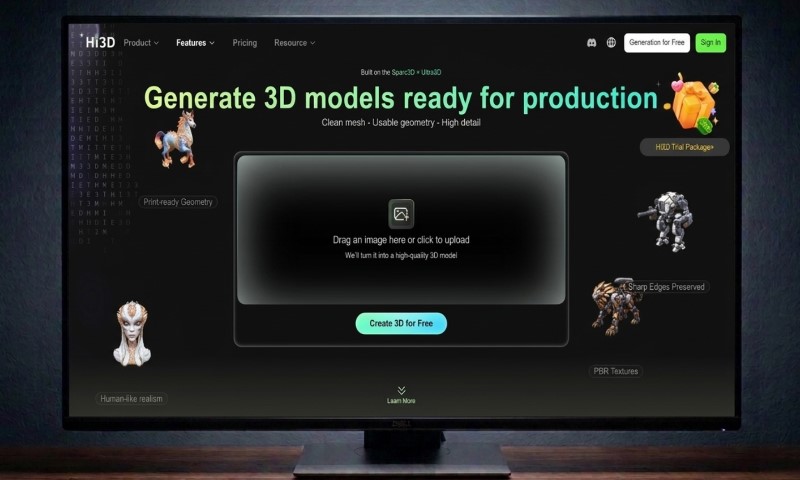
Next up is Hitem3D (Hi3D), another AI-powered 3D model generator that helps its users convert their ideas into 3D models and makes sure these models can be integrated directly into the printing workflows.
Hitem3D Key Features
- Image to 3D
- Multi-view to 3D
- Stylized texture
- Relief
- Segmentation
For 3D Printing
Hitem3D is another solid option for 3D printing. It works well for anyone who wants to print detailed small models like miniatures or figurines.
The process is easy with only 3 steps:
- The platform automatically generates print-ready structures
- Optimizes thickness and support accuracy
- Exports the print-ready models
Its biggest strength is the level of detail it captures. Another thing that makes it a favorable option is that it builds the textures and the model shape together at the same time, rather than painting textures on afterward. This means the colors and surface details actually match the shape of the model properly.
Models also tend to come out clean and ready to slice with very little fixing needed.
The platform also supports multi-format file downloads, such as STL and OBJ, making the generated assets ready for 3D printing. You can also send the models directly to Bambu Studio and OrcaSlicer, another fast and convenient way to turn to 3D printing directly.
Hitem 3D Pricing
A free plan with 100 credits is available. For more credits and features, the pricing starts at $19,90/ month (billed monthly).
Best for game designers and 3D printing businesses
Trustpilot Rating: 3.8/ 5 ⭐
FAQs
Final Thoughts
These are some of the most widely used AI tools for 3D printing right now, each with its own strengths in terms of model quality, speed, and output formats.
But since every project and workflow is different, the best way to find your perfect fit is to test each one yourself.
Pay attention to how clean the models come out, how fast the generation is, and whether the exported files are compatible with your slicer.
Remember that at the end of the day, the right tool is the one that fits your printing needs the best.