Getting a logo used to mean hiring a designer or settling for something that looked like everyone else’s. AI logo tools changed that. The best ones now produce professional results in minutes, at a fraction of the cost, and some of them are completely free.
This guide covers nine platforms across every price point, from tools that give you a production-ready vector file at no cost to one-time purchases that sit in the middle ground between free and hiring someone. Whatever your budget, there’s a tool here that fits.
Four Questions That Will Save You an Hour
- Does the free tier give you a usable file? A 200px PNG isn’t a logo you can use anywhere. Look for SVG or, at a minimum, a high-res PNG before you spend time designing.
- Are commercial rights included? Some free plans restrict commercial use. If the logo is going on anything you sell, double-check.
- Can you go back and edit? Some tools lock the file after download. Others keep the editor open. The second kind is more forgiving.
- Is it a one-time cost or a subscription? Subscriptions add up. A handful of tools here charge once and leave you alone.
The Platforms We Reviewed
If you’re not in a position to spend anything right now, these are the tools worth your time. The key distinction between them is file quality, as not all free downloads are equal.
1. Design.com
| Price | Free, with paid plans available |
| Free file | Vector SVG + high-res PNG, no card required |
| Best for | Anyone looking for the best value-for-money AI logo maker |
| Trustpilot | 4.7/5 from 4,000+ reviews |
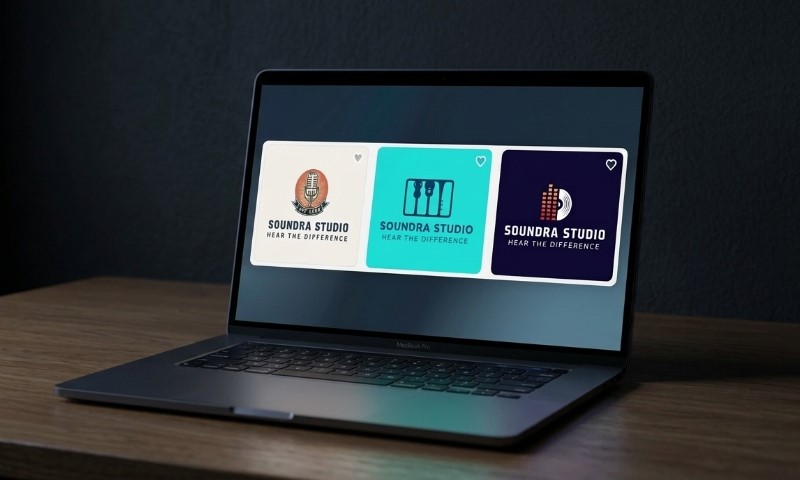
Design.com earns the top spot by doing something almost no other tool does: giving you a production-ready vector file for free, no watermark, no card, no catch. The AI generates logo options from your business name, industry, and style preferences, pulling from a library of over 500,000 templates.
The results are consistent and relevant. The editor lets you change fonts, colors, icons, and layout after generation. And when you download, you also unlock a website builder, link-in-bio page, and digital business card at no extra cost.
Is It Budget-friendly?
Design.com offers a wide range of completely free logos at no extra cost. Users can do unlimited edits to the logos, change fonts, colors, shapes, etc, and then download the files without any subscription fees.
It includes:
- Free logos with a real vector SVG and high-res PNG
- Full brand kit unlocked on download: website, bio page, business card
- Instant AI logo creation alongside an additional 50+ branding assets
- 500K+ templates, the largest library tested
- 525+ exclusive fonts and 62K+ custom vector shapes
- 100% commercial safety on all designs
Also, downloading a free logo unlocks their free website builder, free link-in-bio creator, and free digital business card maker. All of which can be published 100% free. During checkout, you can preview your logo on cups, mugs, t-shirts, business cards, and other branding materials.
However, in case you don’t want to choose from the free logo templates, you can always go with the paid plans.
The subscription plans range from $3-$5/mo (billed annually) and include high-res and vector logo file downloads, unlimited edits (also available without payment), access to 50+ design tools, website builder, digital business cards, and more.
The platform offers exclusive designs only, and the results aren’t heavily reliant on AI tools; actual designers have worked on the templates so that users get one-of-a-kind logos.
During testing, the platform generated a wide range of professional-looking logos instantly, making it easy to explore different branding directions in just a few clicks. Compared with the other tools on this list, Design.com offers one of the best value-for-money options, combining lower pricing with a strong set of features and high-quality results.
The 4.7/5 on Trustpilot reflects a consistent pattern: people who expected a generic result and got something they actually used. The most common note is that the free tier delivered more than they anticipated.
2. BrandCrowd
| Price | Free downloads available; paid plans |
| Free file | Vector SVG included in free downloads |
| Best for | Small business owners, looking for exclusivity in their designs |
| Trustpilot | 4.7/5 from 9,400+ reviews |
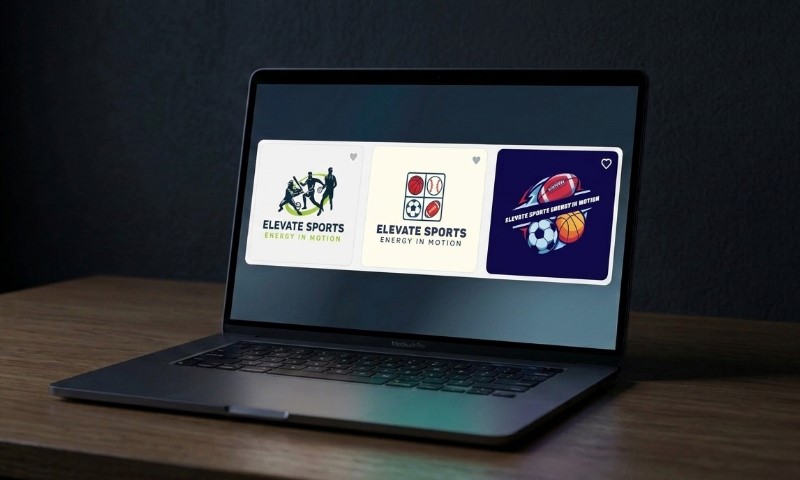
On BrandCrowd.com, you browse a library of templates built by real graphic designers. These templates have a level of craft and intentionality that algorithm-driven tools don’t consistently match. The free tier delivers the same vector files as paid plans, and the editor lets you adjust colors, fonts, and layout on any template.
Is It Budget-friendly?
BrandCrowd’s free tier is one of the most generous on this list. Users can download vector SVG files at no cost, with the same quality as paid downloads, with no card required and no watermark.
After inserting a brand name and adding a few keywords, the platform generated thousands of logo ideas with a wide variety of free logo templates.
While testing the platform, we could also edit the free templates, ask AI to remove or add things, etc., and on our final step, we were not required to pay anything. Instead, upon checkout, the platform suggested a preview of the generated logo on caps, mugs, business cards, and more.
The platform includes:
- Templates built by a human designer, not an algorithm
- 380K+ logo templates, 1M+ total design templates
- 50+ additional branding tools
- Logo templates across all industries
- 100% commercially safe designs
- Multiple export options
The pricing plans start at only $3/mo, giving you the freedom to cancel any time, make unlimited edits to your logo, download the logos as high-res and vector files, and generate dozens of other design assets.
Overall, the platform impressed us with its combination of affordability, quality, and ease of use. Logo generation was instant, producing thousands of professionally designed options in seconds.
Between the extensive template library, AI-assisted editing, high-quality vector exports, and dozens of additional branding tools, BrandCrowd delivers excellent value for both individuals and small businesses looking to build a professional brand without spending a fortune.
Across 9,400+ reviews, the recurring observation is that people trust what they see. The browsing experience feels different from AI tools: less “the algorithm gave me something usable,” more “I found one I actually liked.”
3. Shopify
| Price | Completely free |
| Free file | |
| Best for | Shopify store owners and e-commerce brands |
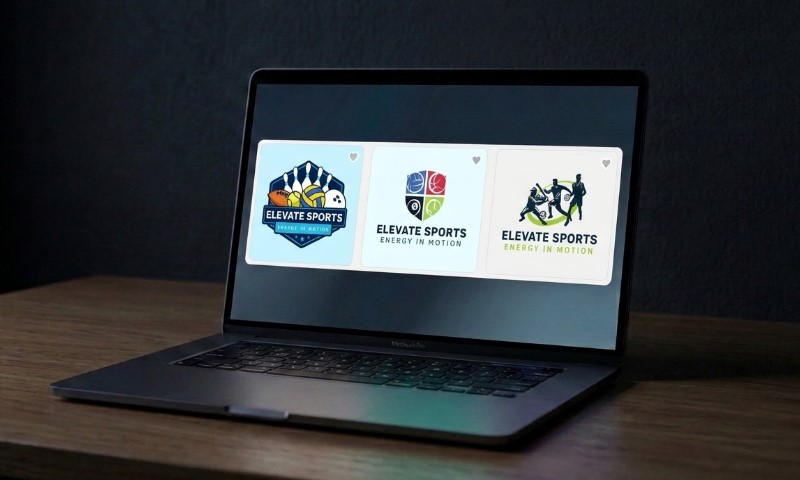
Shopify’s generation flow is fast: pick an industry, choose a style, and get a set of options within minutes.
Is It Budget-friendly?
It’s free with no paid tier, which sounds great until you realize the free downloads are PNG only, with no vector option.
It includes:
- Logo generation with decent style variety for retail and e-commerce
- Free PNG download with no watermark
- Native integration with Shopify stores; no separate account needed
There’s no SVG or vector file on any tier, which means anything printed or scaled large will run into quality issues. For a social profile or store header, it’s perfectly fine. For anything beyond digital use, it’s a limitation.
While testing the platform, we could preview it on cups and bags, using the AI tool to make the necessary adjustments. Overall, the process was smooth and did not require additional design background to get what we wished for. Plus, the logo download was free.
However, we were automatically placed into a 3-day trial plan, after which the paid plans started at $27/mo.
If you’re already in the Shopify ecosystem and just need a logo quickly, this can be a convenient zero-cost option available to you (only for 3 days, though).
4. Namecheap Logo Maker
| Price | Free, low-res PNG |
| Free file | |
| Best for | Startups buying a domain and needing a logo in the same session |
Namecheap’s logo maker is built into the Namecheap platform, so if you’re already buying a domain there, you can create a logo in the same session without switching tabs. The generator is simple: enter your name, pick a style and icon, and it produces a set of options.
Results are clean and usable, though the free PNG is low resolution, and the editor has less depth than the tools at the top of this list.
Is It Budget-friendly?
It can be a convenient and cost-efficient option if you’re already a part of the ecosystem.
Testing the platform allows you to generate logos within 1-2minutes, as a set of guided questions are asked. You must choose colors, styles, themes, logo objects, etc.
After generating the logo concepts, it’s free to preview them on t-shirts, business cards, websites, etc. And once the preview process is done, you can go ahead and download them.
We did not pay anything to get the logo in a vector file; however, to get access to a wider set of branding tools, we needed to pay $5.98.
Overall, this tool is more cost-effective than Shopify, for example.
The platform includes:
- Free PNG download
- Clean, minimal output style
- User-friendly interface
5. Brandmark.io
| Price | One-time payment; no free download |
| Free file | Preview only; SVG and PNG on paid plans |
| Best for | Users who want something that looks less generic |
Brandmark.io uses machine learning to generate logos from keywords and style inputs. The results tend to look less templated than most tools in this category, which is its main selling point. It generates a color palette and font pairings alongside the logo, and the output feels more considered than what you’d get from a basic template picker.
The trade-off is control: you can’t swap icons after generation, there’s no brand kit, and nothing downloads for free.
Is It Budget-friendly?
Through a keyword-based AI logo generator, we enjoyed the whole logo-making process. But when it came to downloading the logo ideas, we needed to pay.
The one-time payment costs $35, which allows logo downloads in PNG only.
The platform includes:
- Unlimited edits
- Typographic logo generation
- One-time payment model, no ongoing subscription
- Color palette and font suggestions generated alongside the logo
Which One Is Right for You
| Your Situation | Best Pick |
| Need an affordable, professional-looking, fast logo maker with the most templates and tools? | Design.com |
| Want designer-made quality without paying? | BrandCrowd |
| Running a Shopify store? | Shopify |
| Buying a domain and need a logo in the same place? | Namecheap Logo Maker |
| Want something less generic and don’t mind a one-time fee? | Brandmark |
Final Verdict
There isn’t a single AI logo maker that’s right for everyone. The best choice depends on your budget, whether you need a free vector file, and which branding tools matter most to your business.
Before choosing a platform, consider these three important things:
- Whether the free plan includes a usable vector file and commercial rights
- How much customization and editing is available after your logo is generated
- What additional branding tools are included beyond logo creation
If you’re looking for the best overall value, with free vector downloads, instant AI logo generation, and a complete set of branding tools at an affordable price, Design.com is our top recommendation. Ready to create your logo?